 X MP3 Repair Tool
Repair MP3 files in three steps
Nothing is changed until you press Repair.
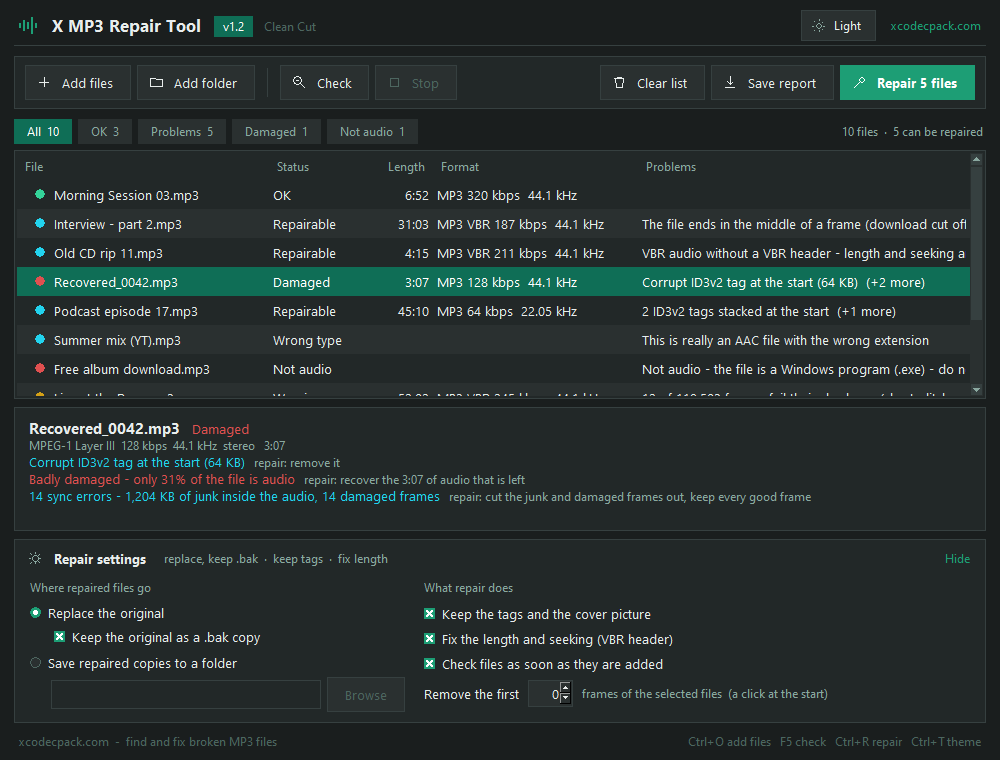
- Drop files or a folder on the window, or click Add files or Add folder. Subfolders are included.
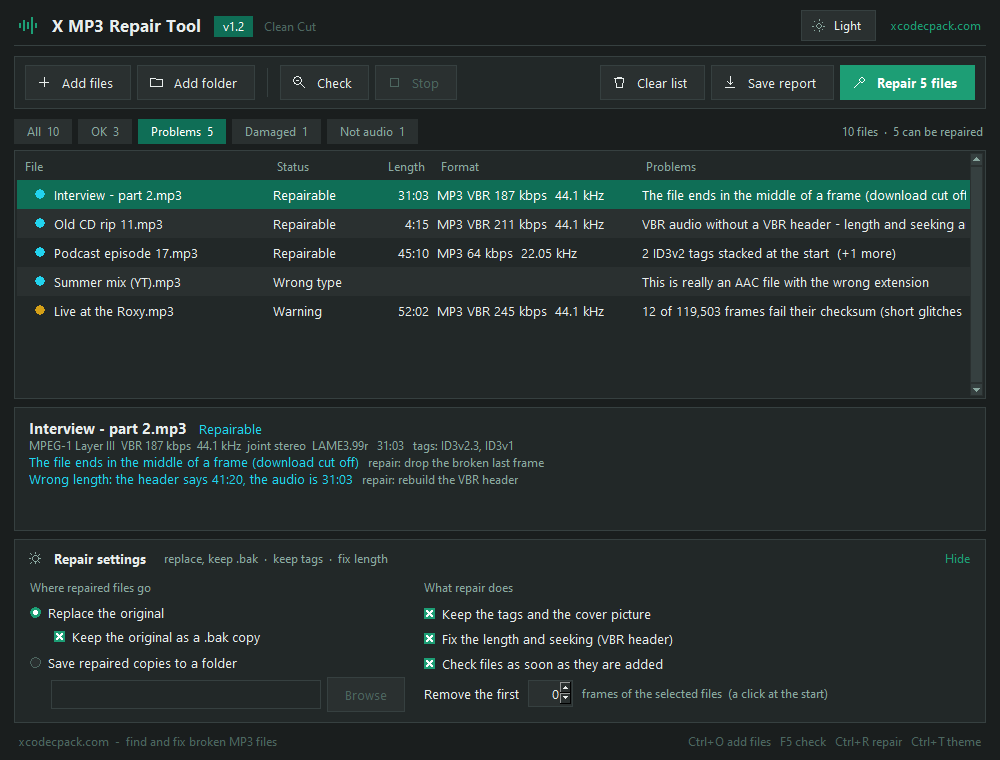
- Wait for the check. Each file gets a coloured dot: green is fine, blue can be repaired, red is damaged or not audio.
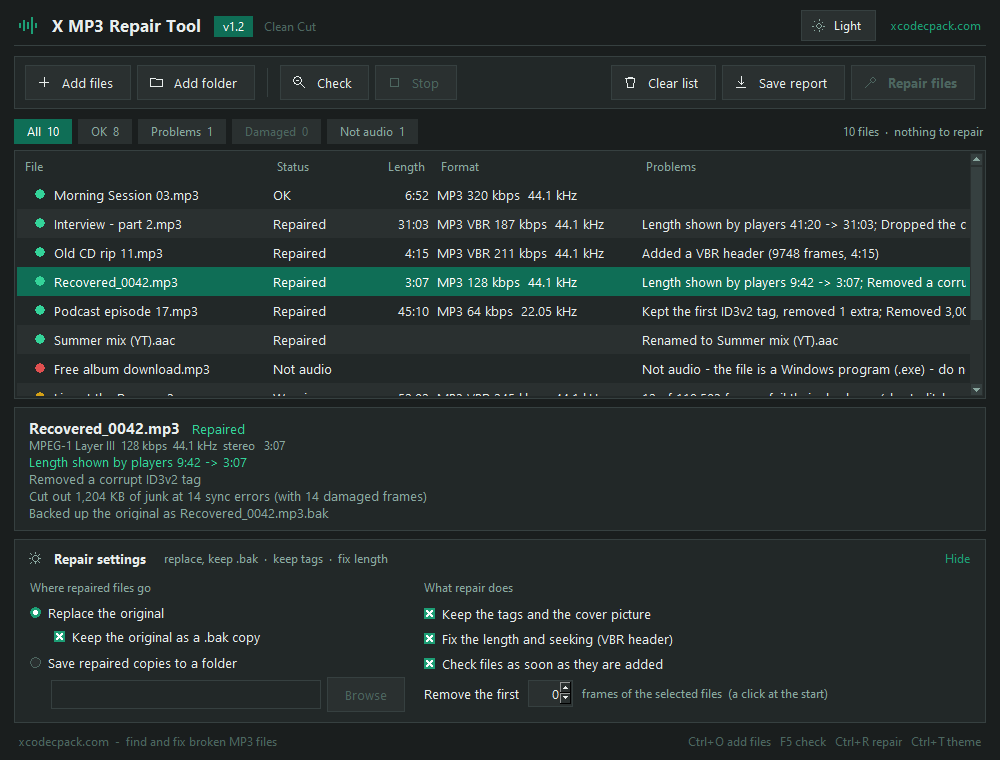
- Click Repair. Only the files that need it are touched. The button shows how many.
Not sure what a file has? Click it. The pane below the list shows every problem and what repair will do about it.